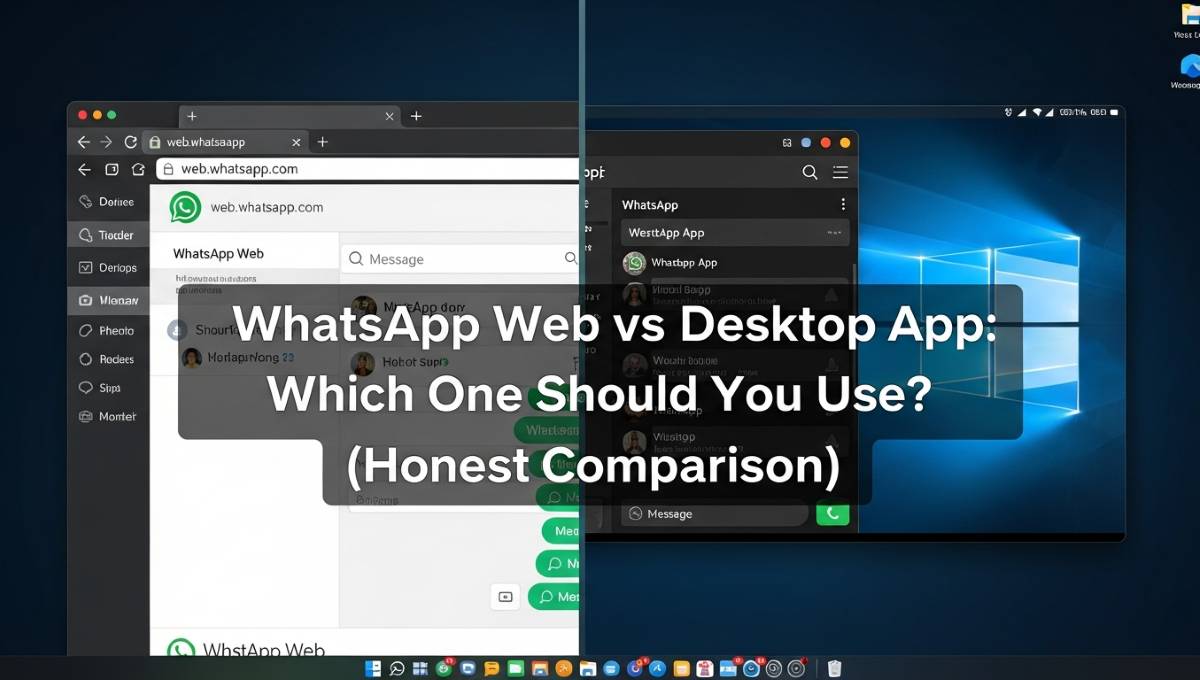
You've probably asked yourself this question at least once if you use WhatsApp on a computer on a daily basis: Should I install the WhatsApp Desktop app or use WhatsApp Web in the browser?
On the surface, they look almost identical. Same chats. Same layout. Same messages. But once you actually use both for a while, the differences start to show — especially in performance, reliability, and feature gaps.
I've used both a lot, but I personally prefer the WhatsApp Desktop app. It behaves more like a real application rather than a browser tab, and I appreciate the native feel and smoother performance. That said, the desktop app also has some very real limitations — including one annoying issue I noticed myself: you can’t properly manage WhatsApp Channels from the desktop app.
This guide breaks everything down honestly, so you can decide what actually fits your workflow.
Quick Overview: What’s the Difference?
Before going deep, here’s the simple explanation:
- WhatsApp Web → Runs inside your browser (Chrome, Edge, Firefox, etc.)
- WhatsApp Desktop App → A native app you install on Windows or macOS
Both use WhatsApp’s Linked Devices system, meaning:
- Your phone doesn’t need to stay online
- Messages sync independently
- End-to-end encryption still applies
But how they feel and behave is different.
WhatsApp Web: What It’s Good At
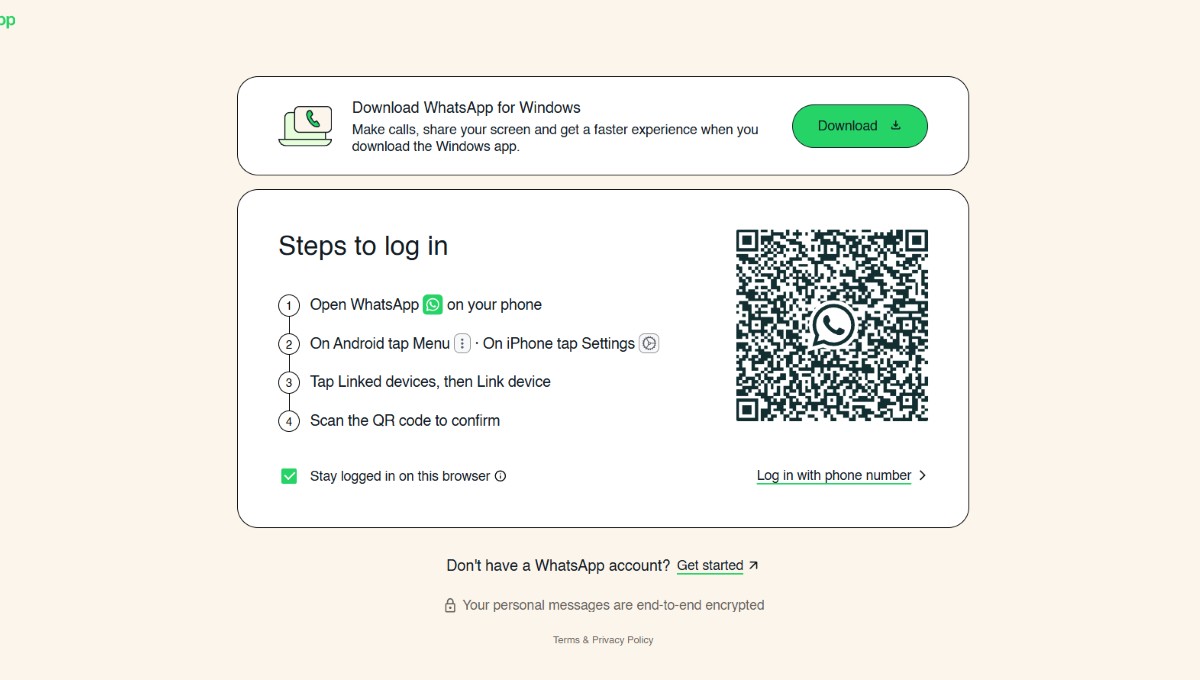
1. No Installation Needed
Open a browser, scan the QR code, and you’re in.
This is perfect if:
- You’re on a shared computer
- You don’t have admin rights to install apps
- You just need WhatsApp temporarily
For quick access, WhatsApp Web wins.
2. Works Anywhere, Anytime
As long as there’s a browser, WhatsApp Web works.
This matters if you:
- Use multiple computers
- Switch devices often
- Work in restricted environments
No setup friction.
3. Channel Management Works Better on Web
Here’s something many people miss.
If you manage WhatsApp Channels, WhatsApp Web:
- Shows channel options more consistently
- Allows viewing and interacting with channel tools better than desktop (as of now)
This is one area where WhatsApp Web is ahead.
Limitations of WhatsApp Web
Let’s be honest.
- Depends heavily on browser performance
- Slower on low-RAM systems
- Can reload or log out unexpectedly
- Eats browser memory
- Feels less “stable” during long sessions
If you keep it open all day, these issues add up.
WhatsApp Desktop App: Why I Personally Prefer It
I’ll be upfront — I like the desktop app more, and here’s why.
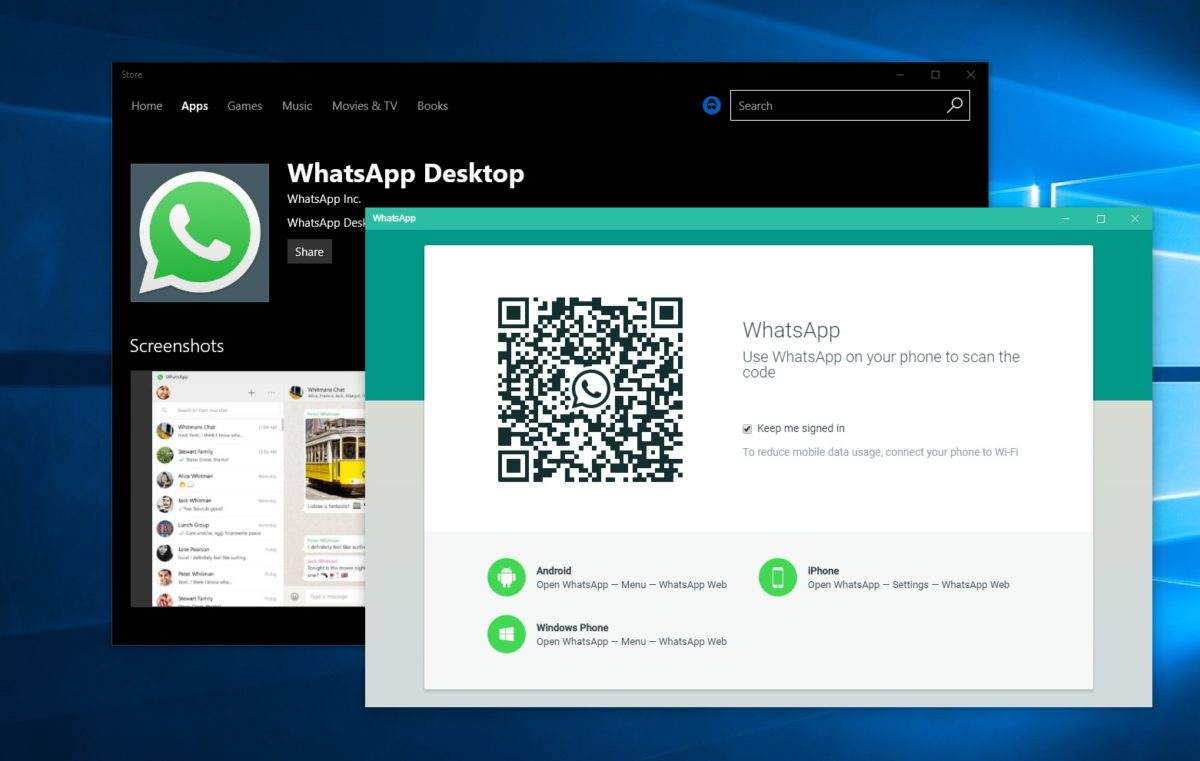
1. Native App Feel (This Matters More Than It Sounds Like)
The desktop app:
- Launches faster
- Feels smoother while scrolling chats
- Handles large conversations better
- Doesn’t depend on browser tabs
It feels like a real communication tool, not just a website pretending to be one.
If you spend hours replying to messages, this difference is noticeable.
2. Better Performance for Heavy Users
In my experience:
- Fewer freezes
- Faster message sync
- Better stability during long sessions
Especially when:
- Multiple chats are active
- Large files are shared
- Voice notes are played repeatedly
WhatsApp Desktop handles this more cleanly.
3. Cleaner Notifications
Desktop app notifications:
- Are more reliable
- Integrate better with the operating system
- Don’t disappear because a browser tab went idle
If you rely on notifications for work, this is a big plus.
But… WhatsApp Desktop Has Real Disadvantages
This is where I won’t sugarcoat anything.
1. Channel Management Is Limited (Big One)
This is something I personally noticed.
If you:
- Follow channels
- Manage a WhatsApp Channel
- Post updates regularly
The desktop app currently does NOT offer full channel management options.
Some channel features either:
- Don’t appear
- Are read-only
- Or work inconsistently
For channel admins, this is frustrating.
👉 In this case, WhatsApp Web or the mobile app is still required.
2. Slower Feature Rollout
WhatsApp often:
- Adds features to mobile first
- Then Web
- Desktop app last
So sometimes:
- New options appear on Web but not Desktop
- UI changes lag behind
If you like early access to features, Web may show them first.
3. Not Ideal for Shared Computers
Installing the desktop app:
- Leaves login traces
- Is less convenient on public systems
WhatsApp Web is safer here.
Side-by-Side Comparison
| Feature | WhatsApp Web | WhatsApp Desktop |
|---|---|---|
| Installation | ❌ Not required | ✅ Required |
| Performance | ⚠️ Depends on browser | ✅ More stable |
| Notifications | ⚠️ Browser-dependent | ✅ System-level |
| Channel management | ✅ Better | ❌ Limited |
| Long sessions | ⚠️ Can slow down | ✅ Handles well |
| Multi-device support | ✅ Yes | ✅ Yes |
| Best for | Casual use | Daily heavy use |
Some Scenarios:
Scenario 1: Office Work
If you reply to messages all day, attend meetings, and keep WhatsApp open continuously —
Desktop app is better.
Scenario 2: Managing WhatsApp Channels
If you actively manage channels —
Use WhatsApp Web (or phone).
Scenario 3: Shared or Temporary Computer
If you’re on a borrowed or public system —
WhatsApp Web only.
Common Confusions Cleared
“Is WhatsApp Web less secure?”
No. Both use end-to-end encryption.
“Does the desktop app sync faster?”
In practice, yes — especially for heavy use.
“Can I use both at the same time?”
Yes. Linked Devices allows it.
My Honest Recommendation
If you ask me personally:
- For daily work and long usage → I prefer WhatsApp Desktop App
- For channel management and quick access → WhatsApp Web is still necessary
The desktop app feels better, but it’s not complete yet.
Honestly, the ideal setup right now is:
- Desktop app for chatting
- Web or mobile for channel management
Safety & Legitimacy Disclaimer
This guide discusses only official WhatsApp Web and Desktop applications. No modified software, unofficial tools, or unsupported methods are mentioned.
Related Tutorials
- How to Use WhatsApp on Two Phones
- WhatsApp Web Sync Issues & Fixes
- WhatsApp Channels Explained
- WhatsApp New Features Explained
FAQs: WhatsApp Web vs WhatsApp Desktop (Real-World Answers)
1. Is there actually a real difference between WhatsApp Web and WhatsApp Desktop?
Yes — and you usually don’t notice it on day one. At first, they look almost identical. But once you keep WhatsApp open for hours every day, the difference becomes obvious. WhatsApp Desktop feels more stable and smoother, while WhatsApp Web feels more like a convenient shortcut that relies heavily on your browser.
2. Which one feels better to use every day?
Honestly? WhatsApp Desktop.
It launches faster, scrolls smoother, and doesn’t feel like it’s fighting for resources with 15 other browser tabs. If WhatsApp is part of your daily workflow, the desktop app just feels more reliable.
3. Why does WhatsApp Web sometimes feel slow or unstable?
Because it’s still a browser tab.
If your browser is using a lot of memory, WhatsApp Web can lag, reload, or randomly log you out. Over long sessions, this can get frustrating — especially if you rely on WhatsApp for work.
4. Does the desktop app really perform better, or is that just marketing?
In real use, it does perform better — especially during long sessions.
Messages sync faster, large chats feel smoother, and voice notes or files play without hiccups. It behaves like a proper app, not a website pretending to be one.
5. Can I manage WhatsApp Channels from the desktop app?
This is where the desktop app disappoints.
If you run or manage a WhatsApp Channel, the desktop app feels incomplete. Some channel options are missing or inconsistent, which forces you to switch back to WhatsApp Web or your phone.
6. Is WhatsApp Web actually better for anything?
Yes — and this surprises people.
For channel management, quick access, and shared computers, WhatsApp Web is still the better choice. It also tends to get new features before the desktop app.
7. Is WhatsApp Web less secure than the desktop app?
No. This is a common myth.
Both use WhatsApp’s official Linked Devices system and end-to-end encryption. From a security standpoint, they’re on equal ground.
8. Which one handles notifications better?
WhatsApp Desktop, without question.
Notifications feel more reliable and don’t disappear just because a browser tab went idle. If you depend on quick replies, this alone can justify installing the app.
9. Can I use WhatsApp Web and WhatsApp Desktop at the same time?
Yes, and many people do.
WhatsApp allows multiple linked devices, so you can switch between Web, Desktop, and your phone without issues.
10. What’s better for office or work-from-home use?
If WhatsApp is open all day while you work, the desktop app is the better experience. It’s more stable, less distracting, and doesn’t slow down when your browser is under pressure.
11. What’s the best setup right now, realistically?
The most practical setup is using both:
-
WhatsApp Desktop for daily chatting and long sessions
-
WhatsApp Web or mobile for managing channels
It’s not perfect, but it works.
Final Thoughts
WhatsApp Web and the Desktop app both work well — but for different types of users. If you value speed, stability, and a native feel, the desktop app is hard to beat. If you need flexibility, quick access, or full channel controls, WhatsApp Web still has the edge. Once you understand these differences, choosing the right one becomes much easier — and you might even end up using both, just like I do.