WhatsApp Tutorials, Fixes & Step-by-Step Guides
Simple, beginner-friendly WhatsApp guides to help you troubleshoot issues, transfer data, manage storage, and understand settings with confidence.
Featured Tutorials
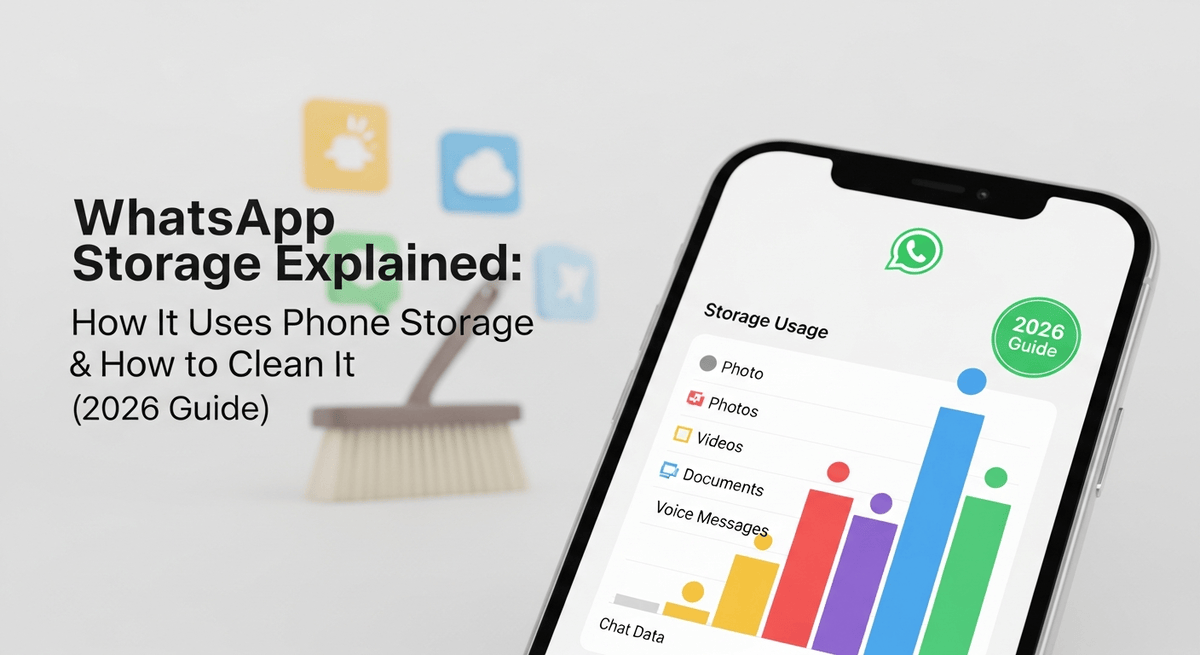
WhatsApp Storage Explained: How It Uses Phone Storage & How to Clean It (2026 Guide)
If your phone keeps showing “Storage Almost Full,” there’s a good chance WhatsApp is one of the main reasons. It’s not because the app itself is huge—it’s…
WhatsApp Security Settings Everyone Should Enable (2026 Updated Guide)
WhatsApp is one of the tools people rely on every day — for personal chats, work messages, sharing documents, and staying connected with the people who matter. Because we use…

How to Transfer WhatsApp from Android to iPhone (2026 Updated Guide)
Switching from Android to iPhone is exciting—until you remember your WhatsApp chats. For most people, the fear isn’t about setting up the new device. It’s the idea…
Latest Tutorials

WhatsApp Web vs Desktop App: Which One Should You Use? (Honest Comparison)
You've probably asked yourself this question at least once if you use WhatsApp on a computer on a daily basis: Should I install the WhatsApp Desktop app or use WhatsApp Web in the browser?…
Read more →
WhatsApp New Status Feature: Layout Images & AI Image Generator Explained
WhatsApp Status barely changed for years, so when something new finally shows up there, people notice immediately. Over the last few days, many users have started seeing real functional…
Read more →
How to Transfer WhatsApp from iPhone to Android (USB Cable + Official 2026 Guide)
Switching from iPhone to Android feels refreshing—new UI, new features, more freedom—but it comes with one big headache: moving your WhatsApp chats. People worry they’ll…
Read more →
WhatsApp Backup Size Too Large? Reduce It Safely Without Losing Media (2026)
If your WhatsApp backup suddenly becomes huge, slow, or keeps failing, you’re definitely not alone. Many Android and iPhone users run into this problem because WhatsApp stores…
Read more →
What Is WhatsApp? A Complete Beginner Guide 2026
If you’re new to WhatsApp, it can feel like everyone else already knows how to use it and somehow you just missed the memo. The app looks simple enough when you first open it,…
Read more →
How to Fix “WhatsApp Storage Full” on Android (2026 Guide)
Running out of space on your Android phone because of WhatsApp is way more common than people admit. One moment everything works fine — and the next, WhatsApp refuses to download…
Read more →Browse by Category
Backup & Transfer
- How to Transfer WhatsApp from iPhone to Android (USB Cable + Official 2026 Guide)
- WhatsApp Backup Size Too Large? Reduce It Safely Without Losing Media (2026)
- How to Transfer WhatsApp to a New Phone in 2026 (Step-by-Step Guide)
- WhatsApp Backup Not Working? Complete Fixes for Google Drive & iCloud (2026 Guide)
- How to Transfer WhatsApp from Android to iPhone (2026 Updated Guide)
Storage & Data
Why Trust GroupsOP Online?
All tutorials are tested on real Android and iPhone devices. Each guide is based on official WhatsApp behavior and real problem-solving experience.
About This Website
GroupsOP Online was created to make WhatsApp easier for everyone. Whether you’re moving WhatsApp to a new phone, fixing storage errors, restoring backups, or understanding privacy options, our guides are carefully written to give you real answers—without confusion.
Every tutorial is tested on actual Android and iPhone devices. We do not promote modified apps, unsafe tools, or unofficial hacks. Only clean, official WhatsApp methods that users can trust.
As WhatsApp updates frequently, many users struggle with errors or unclear settings. Our goal is to simplify every feature and help you understand why problems happen and how to fix them safely.
How We Test Our WhatsApp Tutorials
Every tutorial published on GroupsOP Online is tested on real devices to ensure the steps are accurate, safe, and easy to follow. Our goal is to provide reliable guides that work exactly as described.
✔ Real Devices
We use multiple Android and iPhone models to test features such as chat transfer, backup restoration, storage cleanup, and privacy settings.
✔ Real Situations & Errors
If an issue occurs (backup failing, storage too large, missing media, etc.), we recreate the problem on actual devices to find the real solution.
✔ No Unofficial Tools
We only use official WhatsApp methods and trusted system tools. We never test or promote modified WhatsApp apps, cracked versions, or unsafe transfer software.
✔ Step-by-Step Verification
Each tutorial is checked for clarity, accuracy, and user-friendliness. If a step is confusing, we rewrite it until it matches what users will see on their screen.
✔ Continuous Updates
WhatsApp updates frequently. We monitor new features and changes so that older guides are updated quickly and always remain useful.

Written by Lawrence
I write simple, accurate WhatsApp tutorials based on real device testing. My goal is to make WhatsApp easy for beginners and informative for experienced users.
Frequently Asked Questions
1. Are the WhatsApp tutorials tested?
Yes. Every tutorial is tested on real Android and iPhone devices before being published. This ensures the steps you follow are accurate and work exactly as shown.
2. Do you use unofficial or modified WhatsApp apps?
No. We strictly use the official WhatsApp application and official transfer tools. We never promote modified apps like GB WhatsApp, YoWhatsApp, or other unsafe versions.
3. Are the guides beginner-friendly?
Yes. All tutorials are written in simple step-by-step format so anyone can follow them, even without technical knowledge.
4. How often is content updated?
We update tutorials regularly as WhatsApp changes its features, settings, and transfer methods. If something becomes outdated, we correct it immediately.
5. Can I request a specific WhatsApp tutorial?
Yes! You can request any topic through our Contact page. New guides are often created based on real user questions and issues.
6. Do you collect personal data?
No. We do not collect private WhatsApp data or chat content. Our Privacy Policy explains exactly what information is handled on this website.